<img src="https://d5nxst8fruw4z.cloudfront.net/atrk.gif?account=u84Bm1akGFL1N8" style="display:none" height="1" width="1" alt="">
Skip to main content

Remote Monitoring Management (RMM) for Education Spaces

IT that keeps every classroom connected and protected.

Schools run on technology. Solutionz, Inc. RMM gives your IT team visibility and control over every device — from the server room to the student Chromebook — so you spend less time fighting fires and more time supporting learning.

The Challenge: Education IT is Uniquely Demanding

K–12 districts and higher-ed institutions manage thousands of devices across multiple campuses, support diverse user populations, and face strict regulatory requirements — all with lean IT staffs and tight budgets. A single undetected outage or security gap can disrupt instruction for hundreds of students.
Education Device Sprawl

Device Sprawl

Student laptops, teacher desktops, lab workstations, interactive displays, and IoT devices all require monitoring — across buildings, buses, and remote locations.
Security Threats

Security Threats

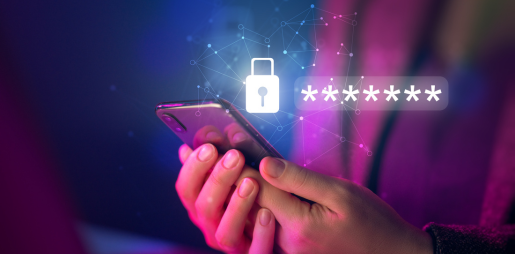
Schools are among the top targets for ransomware and phishing. A compromised endpoint can expose student records and lock down entire campuses.
Compliance Complexity

Compliance Complexity

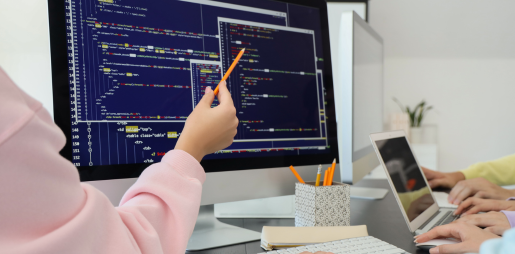
FERPA, COPPA, CIPA, and state data-privacy laws create layered obligations that must be continuously verified — not just checked at audit time.
Limited IT Capacity

Limited IT Capacity

Most district IT teams manage hundreds of devices per technician. Manual monitoring is simply not sustainable without automation.
How Solutionz RMM Addresses Each Challenge

Unified Device Visibility Icon - Blue

Unified Device Visibility

Solutionz RMM provides a single pane of glass for every endpoint — Windows, Mac, Chromebook, iOS, and Android — regardless of physical location.

Proactive Threat Response Icon - Blue

Proactive Alerting

Automated alerts and scripted remediation resolve the vast majority of issues before they reach students or teachers.
Built-in Compliance Reporting Icon

Built-in Reporting

On-demand audit reports map your device health and access controls.

Automation at Scale Icon - Blue

Automation at Scale

Automated network scans identify every single IP-addressable AV component connected to the network, letting one technician manage thousands of devices effectively.
Everything Your Education IT Team Needs, in One Platform

Solutionz RMM is purpose-configured for education environments, with pre-built policies for the device mixes, user types, and compliance requirements common to schools and universities. 

Endpoint Monitoring

Real-time health dashboards for every managed device. CPU, memory, disk, battery, and connectivity status visible at a glance — sorted by campus, grade level, or device type.

Remote Access & Scripting

Helpdesk staff resolve issues without rolling a truck. Secure remote control, background script execution, and file transfer keep support fast without disrupting class. 

Compliance & Audit Reporting

Pre-built report templates for FERPA, CIPA, and COPPA. Export device inventory, software license counts, and access logs for any audit, board request, or E-rate review. 

Asset & Inventory Management

Auto-discovered hardware and software inventory updated continuously. Know exactly what you own, where it is, its warranty status, and its assigned user — always. 

Network Monitoring

Visibility into switches, access points, and firewalls across all campuses. Bandwidth alerts catch runaway devices before they slow down instructional traffic. 

Alerting & Automation

Configurable thresholds trigger automated responses or staff alerts. Pre-built education runbooks cover common scenarios like disk-full, offline device, and AV definitions out of date. 

Golisano Building

Scalable Coverage for Every Institution Size

Whether you’re a single-school charter or a multi-campus university system, Solutionz RMM scales to your environment and budget — with education-specific pricing tied to enrolled device counts, not seat licenses.
What Education IT Leaders Say

Before Solutionz RMM, our two-person team was constantly reactive — chasing down dead devices and running manual update cycles every weekend. Now we catch problems before teachers even know they exist.
Director of Technology
mid-size K–12 school district
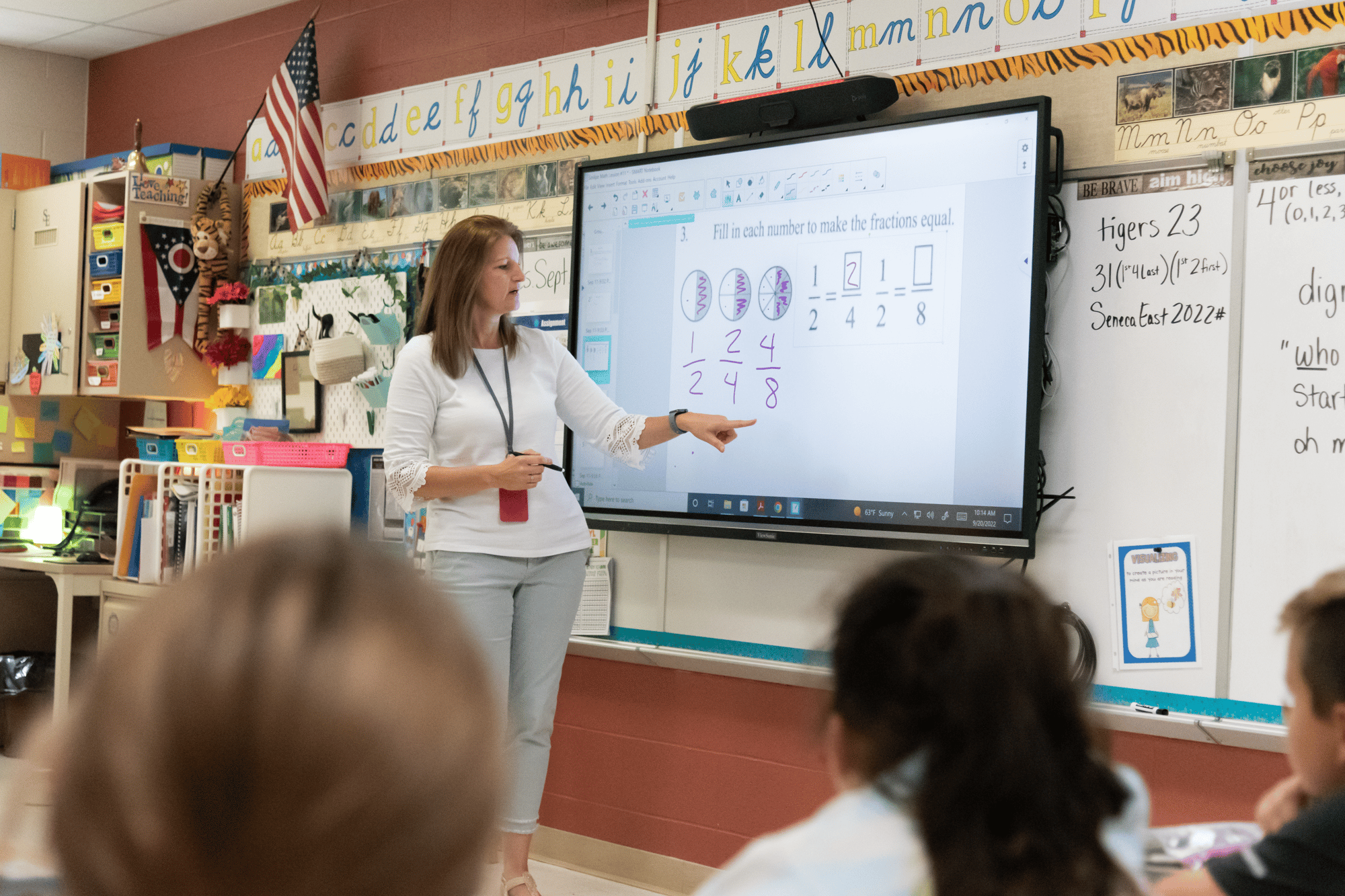
Seneca East K-12 Classroom

Up and Running Before the Next Semester

Solutionz handles deployment so your team doesn’t have to. Our education onboarding process is designed around the academic calendar — we deploy during break periods, configure policies to match your environment, and deliver a live orientation before school resumes.
 
bigstock-Wide-Angle-View-Of-High-School-288255568
1

Discovery Call

The easiest and fastest way to build on HubSpot.
2

Scoped Proposal

You receive a fixed-fee proposal with a device-count breakdown, service tier recommendation, and implementation timeline aligned to your calendar.
3

Deployment

Agents deploy silently via your existing MDM or Group Policy. Most environments are fully enrolled within one business week.
4

Go Live

Your team receives a live dashboard orientation, runbook walkthrough, and a direct line to your Solutionz account manager.

Remote Monitoring Management (RMM) for Education Spaces

Frequently Asked Questions (FAQ)

What is Remote Monitoring and Management (RMM) for schools and universities?

Remote Monitoring and Management (RMM) is a technology platform that continuously monitors the health, performance, and availability of devices and systems across an educational environment. Solutionz RMM helps K-12 districts and higher education institutions proactively manage endpoints, classroom technology, network-connected devices, and collaboration systems from a centralized dashboard, reducing downtime and improving operational efficiency.

How does Solutionz RMM help school IT teams reduce support tickets?

Solutionz RMM identifies technology issues before they impact users through continuous monitoring and automated alerts. Many common issues can be resolved automatically or remotely, reducing help desk tickets, minimizing classroom disruptions, and allowing IT staff to focus on strategic initiatives rather than reactive troubleshooting.

What types of devices can Solutionz RMM monitor in education environments?

Solutionz RMM provides visibility into a wide range of education technology assets, including student laptops, teacher devices, classroom computers, interactive displays, AV systems, digital signage, video conferencing equipment, network-connected devices, and other critical educational technologies across multiple campuses and remote learning environments.

Can Solutionz RMM support multi-campus school districts and university systems?

Yes. Solutionz RMM is designed to support distributed educational environments. Whether managing a single school, a large K-12 district, or a multi-campus university system, IT teams can monitor technology assets, performance, and alerts across all locations through a single-pane-of-glass management platform.

How quickly can a school district or university implement Solutionz RMM?

Most educational institutions can begin using Solutionz RMM within days. Solutionz handles discovery, onboarding, device enrollment, platform configuration, dashboard setup, and staff training. Implementations are often scheduled during school breaks, semester transitions, or planned maintenance windows to minimize disruption to instruction and campus operations.

How does AI-powered reporting help education IT leaders?

Solutionz RMM's reporting capabilities allow IT leaders to quickly generate reports on device health, technology utilization, system performance, and operational trends. This helps technology directors, CIOs, and administrators make data-driven decisions, demonstrate technology ROI, support budgeting initiatives, and improve long-term technology planning.

How does Solutionz RMM improve classroom technology reliability?

Solutionz RMM continuously monitors classroom technology systems and connected devices to identify performance issues before they disrupt instruction. Through proactive alerts, automated remediation, and real-time visibility into device health, IT teams can resolve problems faster, reduce classroom downtime, and ensure teachers and students have consistent access to the technology they need for learning. This helps create a more reliable educational experience while reducing the burden on already stretched IT resources.

Ready to Protect Your Campus Technology?

Schedule a no-obligation discovery call. We’ll assess your environment and show you exactly what Solutionz RMM looks like for your district or institution.