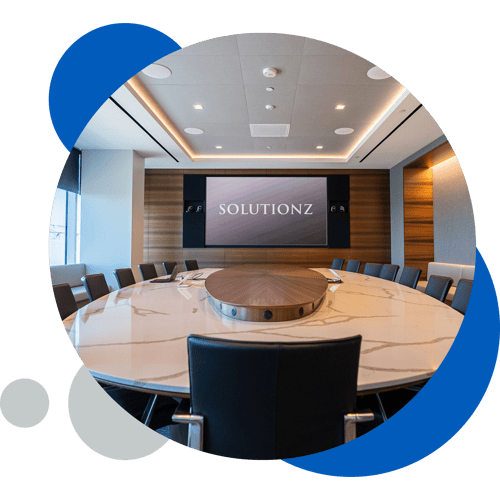
At Solutionz, we believe technology is more than just wires and screens. It's about connecting people and creating meaningful interactions. That's why we're not just a leading AV integrator; we're architects of connection, dedicated to designing and implementing solutions that enrich human experiences.
Since 2002, we’ve delivered thousands of custom, innovative solutions across diverse sectors, including Corporate, Higher Education, Government, Healthcare, and Entertainment & Hospitality. Our dedication to excellence shows in our strategic acquisitions, innovative support plans, extensive partnerships, and expanding global presence.

Stay at the forefront of technology trends and industry insights with our thought-provoking blog. Discover expert articles, use cases, and practical tips to help you get the most out of your AV systems.
Explore a curated selection of our most impactful projects across various industries, showcasing our design ingenuity and commitment to exceeding expectations.
.png?width=500&height=500&name=Case%20Studies%20(1).png)

Learn how we tailor AV solutions to meet the unique needs of each sector, including Corporate, Higher Education, Government, Healthcare, and Entertainment & Hospitality.
Understand our people-first methodology that ensures every project we undertake enhances communication, strengthens connections, and supports a collaborative environment.

With offices nationwide and access to the PSNI Global Alliance, discover how Solutionz Inc. is positioned to support your AV technology needs wherever you are.
At Solutionz, our team is our greatest asset. United by a shared mission to enhance human connections, our experts bring passion, expertise, and creativity to every project. We're not just installing systems; we're creating environments that encourage collaboration, innovation, and engagement.
.png?width=1500&height=1500&name=Enhanced%20Experience%20(1).png)